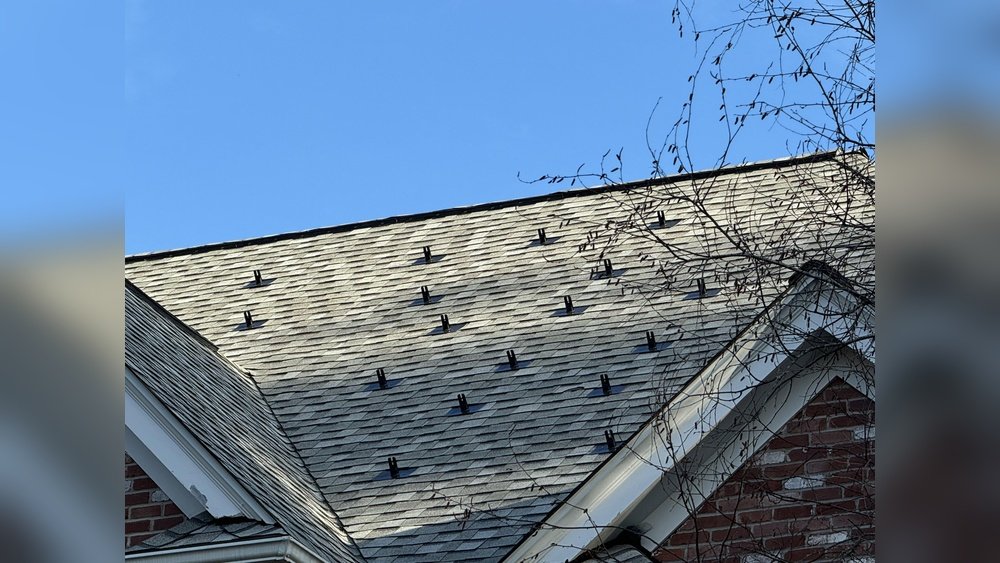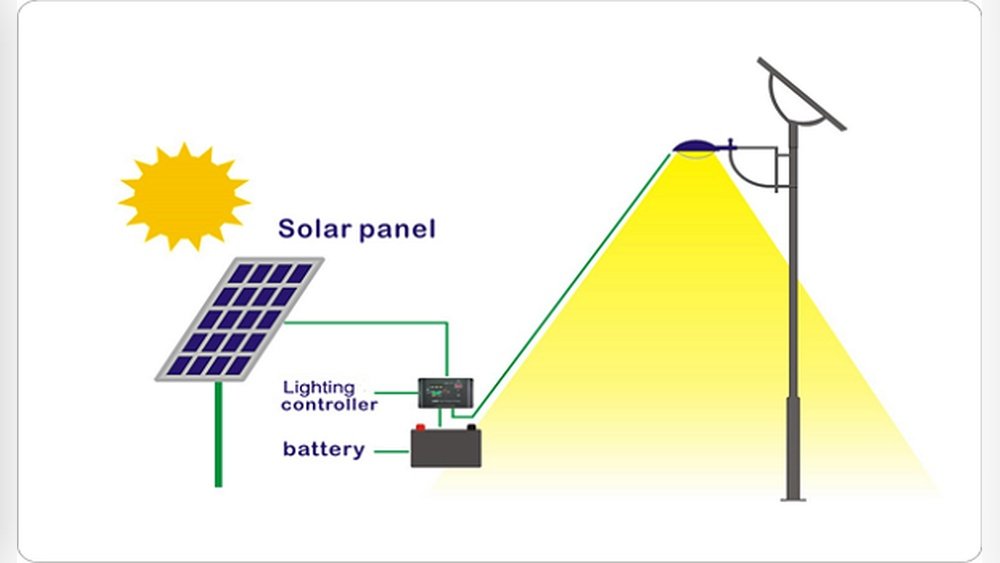

Ever stared at your roof and wondered, “Are my solar panels actually doing anything? ” You’re not alone. Many people invest in solar because they want to save money or help the planet, but then they’re left guessing if their panels are working as they should.
Maybe your electric bill is higher than you expected, or you notice your inverter’s lights are blinking in a strange way. It’s easy to feel lost, especially when everything looks fine from the outside but you can’t tell what’s really going on up there.
Here’s the good news: you don’t need to be an engineer to check if a solar panel is working. With a few simple tools, a little patience, and some basic knowledge, you can get a clear answer. Let’s start with the quick fix, then dig deeper into what really matters.
Short Answer: How To Know If Your Solar Panel Is Working
The fastest way to check if your solar panel is working is to look at the inverter display (if you have one). When the sun is shining, it should show power output (watts or kilowatts) above zero. If you see error codes, a blank screen, or zero output during daylight, your system may not be working.
If you don’t have an inverter display, you can use a multimeter to measure the voltage directly from the solar panel terminals. A typical 12V panel in sunlight should show 16-22 volts (open circuit). If you see zero or very low voltage, the panel likely has a problem.
Still not sure? Keep reading for step-by-step methods, common mistakes, and tips that most beginners miss.
Why Solar Panels Stop Working (even If They Look Fine)
It’s frustrating when your solar panels seem fine but don’t deliver. Here are some reasons this happens:
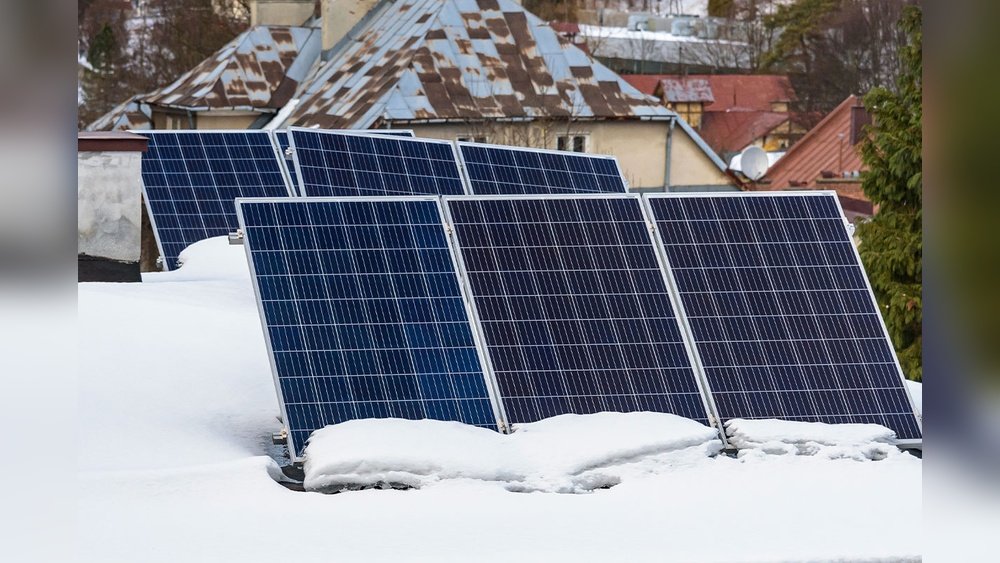
- Shading: Even a small shadow from a tree or debris can cut output by half or more.
- Dirt and Dust: A thin layer of grime can block sunlight.
- Wiring Issues: Loose or corroded wires stop power flow.
- Panel Damage: Cracks, water inside, or cell degradation reduce output.
- Inverter Problems: The inverter is the “brain” of your system. If it fails, the whole system stops.
Non-obvious insight: Sometimes, a single bad panel drags down the output of the whole string. This is common with older “series” wired systems.
Key Tools For Checking Solar Panels
You don’t need fancy equipment, but a few basic tools make your life much easier:
- Multimeter (for voltage and current)
- Cell phone camera (for checking hot spots or cracks)
- Inverter display or monitoring app
- Ladder (for visual inspection—always be safe!)
If you want to be extra thorough, a thermal camera can help spot hidden hot spots, but most people don’t need this.
Step-by-step: How To Check If A Solar Panel Is Working
Let’s break down the process into clear steps, so you know what to do and what to look for.
1. Visual Inspection
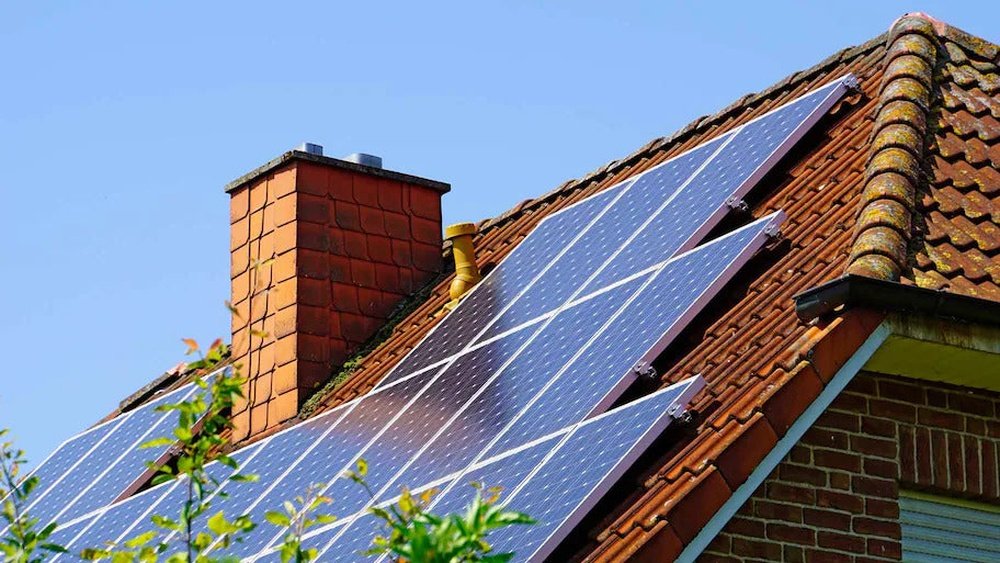
Start simple. Go outside when the sun is strong (midday is best). Look for:
- Obvious dirt or debris (leaves, bird droppings, dust)
- Cracks or discoloration on the glass
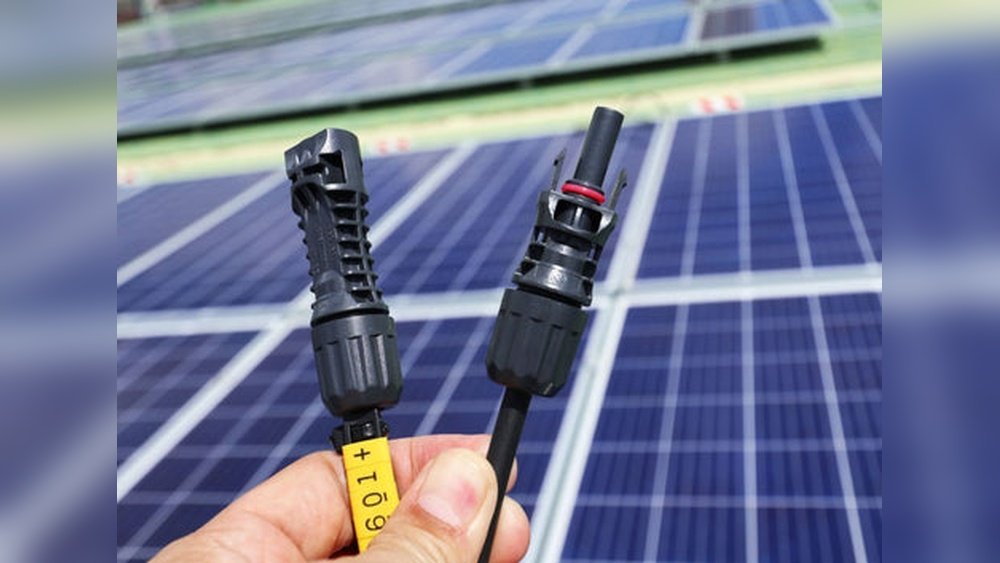
- Loose wires or corroded connectors
- Shading from trees, buildings, or antennas
If you see any of these, clean or fix them before doing any electrical tests.
Pro tip: Use your phone camera to zoom in on panels you can’t reach. Look for spots that look different—these may be damaged cells.
2. Check The Inverter Status
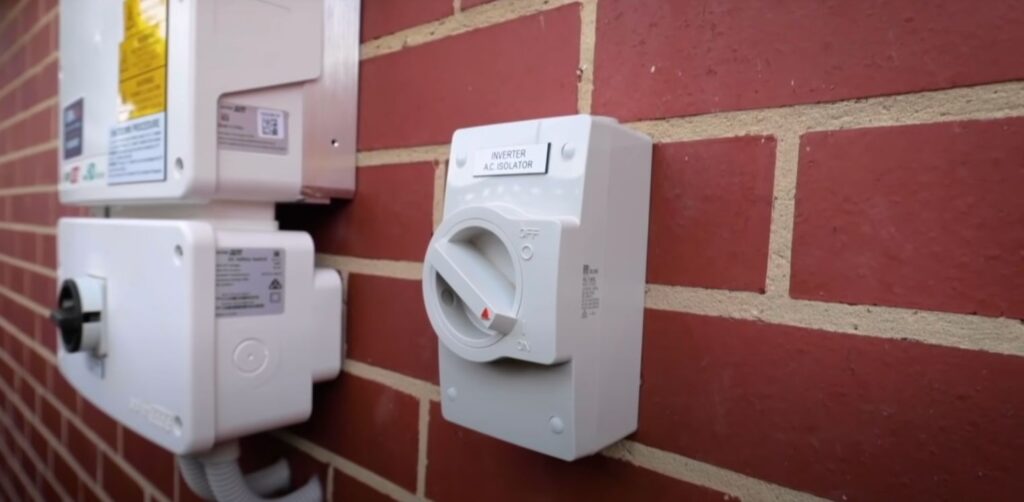
Your inverter tells you if your panels are working. Find the inverter (usually in the garage or near your electrical panel) and check:
- Power light (should be green or blue)
- Error codes (look them up in the manual)
- Display screen (shows watts or kilowatts produced)
If the inverter shows zero output on a sunny day, something’s wrong. If you see error codes, write them down—they’re clues.
Not obvious: Some inverters flash warnings only for a short time after a fault. If you check later, you might miss the message. Check during the day, not at night.
3. Use A Multimeter For Direct Testing
A multimeter is the most reliable way to test a solar panel directly. Here’s how:
- Set the multimeter to DC voltage.
- Disconnect the panel (if safe to do so; be careful with roof systems).
- Touch the multimeter leads to the panel’s positive and negative terminals.
- Read the voltage. For a 12V panel, you should see 16–22V in full sun (open circuit).
Example Table: Expected Open Circuit Voltage
| Panel Type | Expected Voltage (Open Circuit) |
|---|---|
| 12V Panel | 16–22V |
| 24V Panel | 32–44V |
| 60-cell Grid Panel | 30–40V |
| 72-cell Grid Panel | 36–48V |
If you see zero, or much less than expected, the panel may be faulty.
Caution: Never test panels while wet, or with damaged wires. Safety first.
4. Check Current Output (amps)
Measuring voltage is good, but a panel can have normal voltage and still produce little or no current. To check current:
- Set the multimeter to DC amps.
- Connect the meter in series with the panel and the load (or battery).
- Read the current. Compare to the panel’s rated current (found on its label).
Example Table: Typical Current Ratings
| Panel Wattage | Rated Current (Imp) |
|---|---|
| 100W (12V) | ~5.5–6A |
| 200W (24V) | ~8–9A |
| 350W (Grid) | ~9–10A |
If current is much lower than rated (and it’s sunny), something’s wrong.
Beginner mistake: Testing current without a load. Panels need to be connected to something (battery or inverter) for current to flow.
5. Check Monitoring Apps Or Online Portals
Modern solar systems often include a monitoring app or online portal. These let you see:
- Daily/weekly production
- Panel-level data (on advanced systems)
- Error notifications
Check your app for sudden drops in production or error messages. Compare today’s numbers with the same month last year (solar output changes with the seasons).
Hidden insight: Cloudy days will always reduce output, but if your production drops sharply on sunny days, that’s a red flag.
6. Compare Utility Bills
Sometimes, the simplest clue is your electric bill. If your bill suddenly increases, but your electricity usage hasn’t changed, your panels might not be working.
Compare your bills month-to-month, and look for big changes. Some utilities even show how much energy you sent back to the grid.
Tip: Keep a log of your solar output and electric bills. Patterns help spot problems early.
Troubleshooting: What To Do If Your Panel Isn’t Working
Found a problem? Don’t panic. Here’s what you can check and fix yourself, and when to call a pro.
1. Clean The Panels
Dirt, leaves, and bird droppings cut solar output fast. Clean panels gently with water and a soft brush. Don’t use soap or harsh cleaners—they can leave a film.
Pro tip: Clean in the morning or evening. Hot panels can crack if sprayed with cold water.
2. Check Wiring And Connections
Loose or corroded wires are common, especially in older setups.
- Tighten loose connectors (with the system OFF)
- Replace corroded or damaged wires
- Look for chewed wires (squirrels love solar!)
If you’re not sure, get an electrician. Bad wiring can be dangerous.
3. Test Each Panel (in Series Systems)
If your system uses panels wired in series, one bad panel can stop the whole row.
- Disconnect each panel and test with a multimeter
- Replace or repair any panel that shows low voltage or current
Not obvious: Microinverter systems (one inverter per panel) are less likely to fail this way, but it can still happen.
4. Reset The Inverter
Sometimes, the inverter just needs a reboot. Turn it OFF, wait a minute, then turn it ON again. Check the manual for your model’s reset steps.
If error codes remain, check the manual or call your installer.
5. Call Your Installer Or Manufacturer
If you’ve checked everything and it still doesn’t work, it’s time for expert help. Most solar panels have long warranties (20–25 years), and inverters often have at least 5 years.
Have your panel’s serial number, purchase date, and test results ready when you call.
How To Tell If A Panel Is Underperforming (not Just Broken)
Sometimes panels “work” but don’t deliver the power you expect. Here’s how to tell if your system is underperforming:
- Compare your panel’s output to its rated wattage (on a sunny day, it should produce 70–90% of rated power)
- Check the output in the monitoring app or with your multimeter
- Compare with neighbors who have similar systems
Table: Real-world Output Vs. Rated Power
| Rated Power (Watts) | Expected Output on Sunny Day |
|---|---|
| 100W | 70–90W |
| 300W | 210–270W |
| 400W | 280–360W |
If your output is much lower, check for shade, dirt, or wiring problems.
Non-obvious insight: Solar panels rarely produce 100% of their rated power outside of lab conditions. Heat, dust, and imperfect sunlight all reduce output.
How Weather And Seasons Affect Solar Output
Don’t panic if your panels make less power on some days. Solar output changes with:
- Clouds: Thick clouds can reduce power by 80–90%
- Seasons: Winter means less sunlight, so lower output
- Temperature: Hot panels (over 77°F/25°C) actually lose efficiency
Tip: Keep a simple chart of your daily solar output. Over time, you’ll spot normal seasonal changes vs. real problems.
Common Myths And Mistakes When Checking Solar Panels
There’s a lot of confusion out there. Let’s clear up a few myths:
- Myth: If the inverter is on, everything is fine.
- Fact: The inverter can be on but not producing power. Always check the output number.
- Myth: Cleaning isn’t needed because rain does it.
- Fact: Rain helps, but sticky dirt and bird droppings stay behind.
- Myth: Solar panels last forever with no maintenance.
- Fact: Most panels last 25 years, but connectors, inverters, and mounts can fail sooner.
- Myth: Output drops mean the panels are broken.
- Fact: Check for simple fixes like shade or dirty glass first.
Beginner tip: Always check the basics (shade, dirt, inverter errors) before assuming the worst.
Credit: solargippslandvic.com
When To Get Professional Help
Some problems need expert eyes. Call a professional if:
- You see burn marks or melted connectors
- There’s a strong smell near the panels or inverter
- The system shuts down repeatedly, or error codes won’t clear
- You’re not comfortable testing with a multimeter
A pro can test each panel, find hidden wiring issues, and check for warranty coverage.
Solar Panel Monitoring: Worth It?
Many new systems come with monitoring apps. Are they worth using? Yes, and here’s why:
- See real-time power output
- Get alerts for faults or sudden drops
- Track system health over months and years
Some companies even offer free monitoring portals. If your system doesn’t have one, ask your installer—sometimes you can add it later.
Advanced tip: Systems with panel-level monitoring show data for each panel. This helps spot problems early, especially in large or shaded arrays.
Quick Reference: Troubleshooting Checklist
Here’s a simple checklist to follow if you think your solar panel isn’t working:
- Inspect for dirt, debris, or shade
- Check inverter lights and error codes
- Measure voltage and current with a multimeter
- Review monitoring app (if available)
- Compare with past bills and output logs
- Clean panels if dirty
- Check wiring and connectors
- Reset the inverter
- Call a pro if you find damage, errors persist, or you’re unsure
Keep this checklist handy—most problems are simple fixes.
Real-world Example: Diagnosing A “dead” Panel
Let’s look at a real scenario. Anna noticed her solar app showed zero output on a sunny day. Here’s what she did:
- Checked the inverter: Error code for “ground fault.”
- Looked at the panels: Found a bird’s nest under one panel.
- Cleaned away the nest, but error stayed.
- Used a multimeter: One panel showed 0V; the rest showed 38V.
- Called the installer: Bad wiring connection found and replaced.
- System back to normal the same day.
Lesson: Don’t ignore small clues like error codes or animal activity. A quick check can save days of lost power.

Credit: solarcalculator.com.au
How Often Should You Check Your Panels?
You don’t need to climb up every week. Here’s a good schedule:
- Monthly: Glance at the inverter or app for errors or drops
- Quarterly: Check for dirt, shade, or wiring issues
- Yearly: Full inspection and cleaning (or hire a pro)
Tip: After big storms, always look for debris or damage.
Useful Resources
For more details on solar panel testing, see the U.S. Department of Energy’s guide to how solar works. It’s clear and beginner-friendly.

Credit: www.youtube.com
Frequently Asked Questions
How Do I Know If My Solar Panel Is Charging My Battery?
Check the battery voltage with a multimeter before and after connecting the solar panel. If the voltage increases in sunlight, the panel is charging. Some charge controllers have lights or meters that show charging status. Always test in full sun for best results.
Why Is My Solar Panel Voltage Normal But Current Is Low?
This usually means the panel is getting sun but can’t deliver power. Causes include a weak or full battery, poor connections, or a damaged panel. Make sure your load or battery can accept current, and check all wiring.
What Is The Best Time Of Day To Test My Solar Panel?
The best time is midday (10 a. m. to 2 p. m. ) on a clear, sunny day. This gives the highest light and best test results. Avoid testing early morning, late afternoon, or on cloudy days unless you want to compare conditions.
Can I Test My Solar Panels When They Are Still Connected To The Inverter?
Yes, you can check the inverter’s display or app for real-time output. For direct voltage/current testing with a multimeter, it’s safer to disconnect the panel. If you’re not sure how, ask an expert—high voltage can be dangerous.
How Long Do Solar Panels Last Before They Stop Working?
Most solar panels last 25–30 years. They slowly lose efficiency (about 0.5% per year), but serious drops or total failure are rare in the first decade. Inverters and connectors often fail sooner, so check those first if you have problems.
Solar power should be simple, and with these steps, you’ll always know if your panels are working—or how to fix them if they’re not. With a little attention, your system can keep saving you money and helping the planet for decades to come.