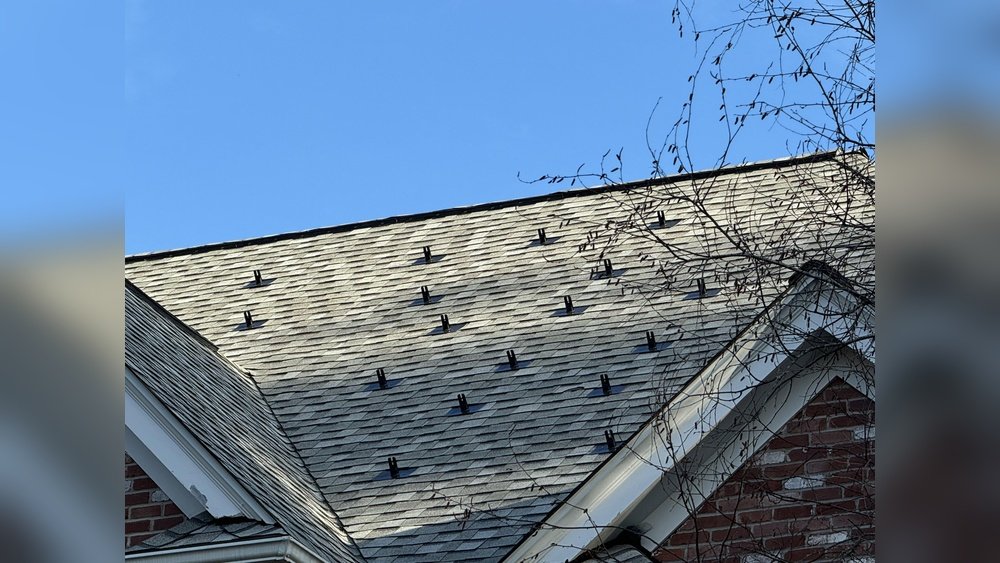

Ever looked at your solar panels and wondered, “Are they really working?” Maybe your power bill seems high, or your lights flicker on cloudy days. You invested in solar panels to save money and help the planet, but now you’re stuck guessing if they’re doing their job. You’re not alone—many people feel lost when it comes to checking if their panels are working right. Sometimes, installers don’t explain things clearly. Other times, you just want a simple answer without all the technical jargon.
Let’s break it down together. Here’s how you can quickly find out if your solar panel is working, and what to do if it’s not. No fancy words, no confusing steps—just straight answers and practical advice.
Short Answer: How To Tell If Your Solar Panel Is Working
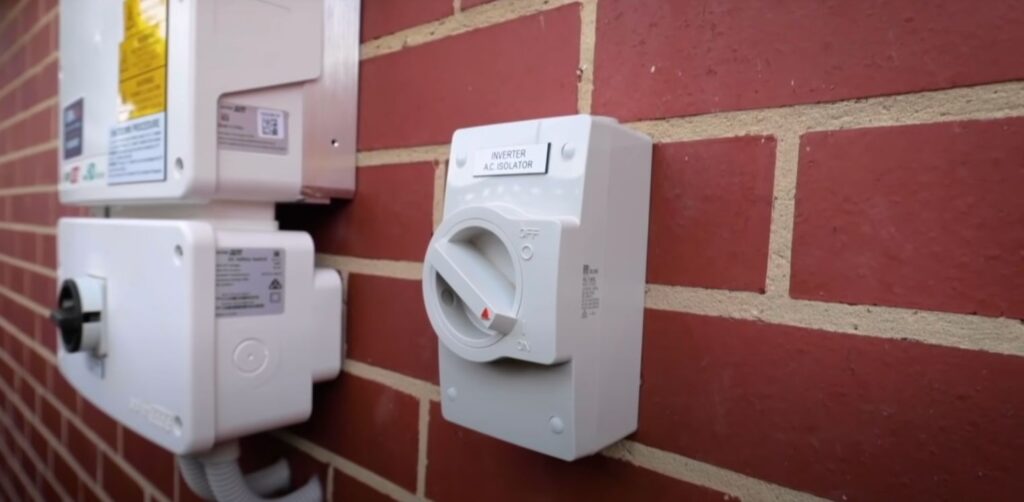
Check your solar inverter—if it shows power output, your panels are working. Look for a green light or a display with numbers. If you see zero output, a red light, or a warning, there might be a problem. For a fast check, look at your electricity meter. If it’s spinning backward (for grid-tied systems) or shows less usage, your panels are producing power.
Now, let’s dig deeper. You’ll learn how to spot trouble, understand what those numbers mean, and keep your panels working their best.
How Solar Panels Actually Work
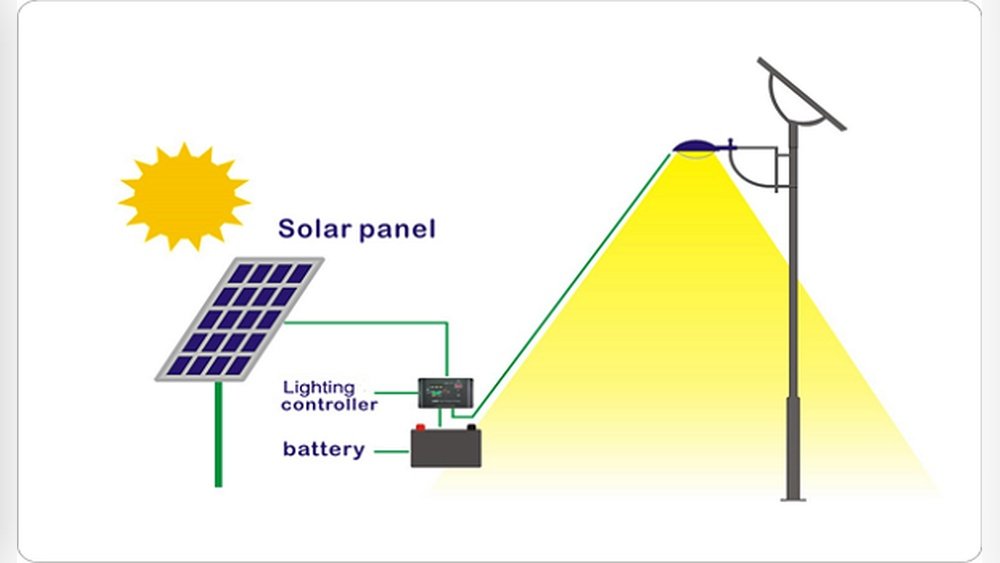
Before you check your panels, it helps to know the basics. Solar panels turn sunlight into electricity using photovoltaic cells. The power flows into your home, or back to the grid, through an inverter. The inverter is the “brain” of your system—it changes DC electricity from the panels into AC power for your home.
Key parts of a solar system:
- Solar panels: Capture sunlight.
- Inverter: Converts power.
- Meter: Tracks electricity use and production.
- Monitoring system: Shows data (sometimes online).
If any part fails, your system might stop working or produce less power.
Signs Your Solar Panel Is Working (and Not Working)
Let’s look at what you should see when things are working right:
Working Signs:
- Green light on inverter
- Numbers on display (kW, kWh)
- Lower electric bill
- Meter running backward (grid-tied)
- Online monitoring shows production
Not Working Signs:
- Red or orange light on inverter
- Zero output on display
- Error message or warning
- No change in bill
- Meter not moving
Many people miss these simple signals. It’s easy to overlook a blinking light or ignore a warning code. But these are your first clues.
How To Check Solar Panel Output
You don’t need to be an expert. Here are easy ways to check if your panels are producing power:
1. Check The Inverter
Most inverters have a display. It shows real-time power (in kilowatts) and total energy produced (in kilowatt-hours). Look for these numbers during a sunny day.
- Good sign: Numbers change, green light.
- Bad sign: Numbers stay at zero, red light.
Some inverters have buttons. Press them to cycle through screens. If you see “Fault,” “Error,” or nothing at all, your system needs attention.
2. Look At Your Electricity Meter
For grid-tied systems, your meter may spin backward or show reduced usage. Compare your bill before and after installing solar. If your bill drops, your panels are working. If not, something’s off.
3. Use Online Monitoring
Many systems come with apps or web portals. These show daily, weekly, and monthly production. Log in and look for production graphs. If you see flat lines, your panels aren’t producing.
4. Visual Inspection
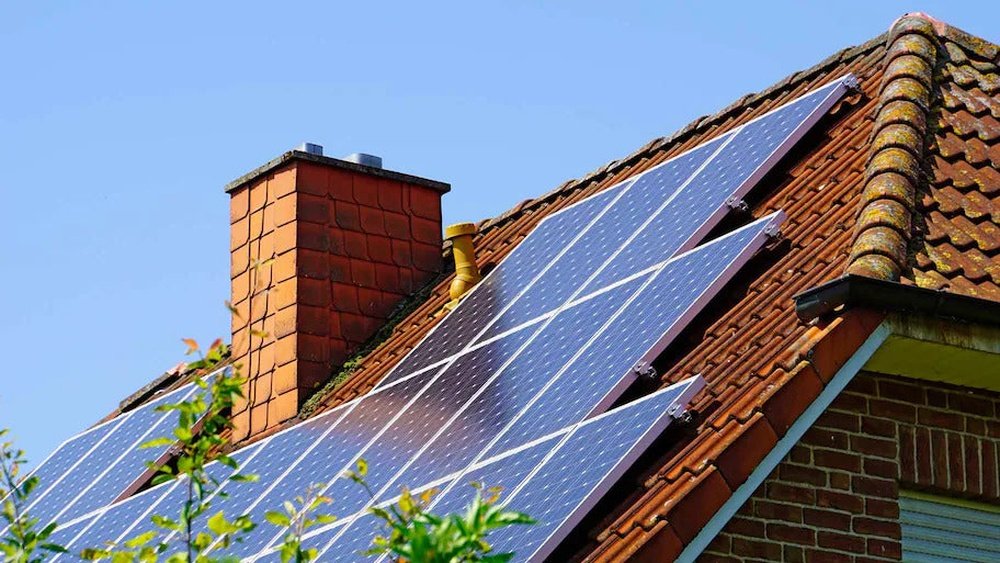
Look at your panels. Are they clean, free of debris, and facing the sun? Dirty or shaded panels produce less power. Check for cracks or obvious damage.
5. Compare Expected Vs. Actual Output
Your installer should give you expected numbers. Compare them to what you see on your inverter or app. If the difference is big, there’s a problem.
Common Mistakes When Checking Solar Panels
Many beginners make simple errors that hide problems:
- Checking at night or during rain: Panels don’t produce power without sunlight.
- Ignoring the inverter: It’s the main indicator—don’t just look at the panels.
- Not cleaning panels: Dirt and leaves block sunlight.
- Missing the monitoring system: Many forget to check their app or portal.
- Assuming a lower bill means everything is fine: Sometimes, power production drops slowly.
A smart tip: Check your system at least once a month. Make it a habit, like watering your plants.
Practical Ways To Test Solar Panel Performance
You can go beyond just looking. Here are practical steps:
Step 1: Record Inverter Data
On a sunny day, write down the output shown on your inverter. Do this at the same time each day for a week. Compare the numbers. If you see big drops, something’s wrong.
Step 2: Compare With Weather
Solar panels produce less power on cloudy days. If your output drops during storms or winter, that’s normal. But if output stays low on sunny days, you need to investigate.
Step 3: Clean Your Panels
Dust, bird droppings, and leaves cut production. Clean panels with water and a soft cloth. Avoid harsh chemicals. After cleaning, check if output improves.
Step 4: Use A Multimeter
If you have basic DIY skills, use a multimeter to check voltage at the panel terminals. Compare with the manufacturer’s specs. If voltage is much lower, there may be a wiring problem.
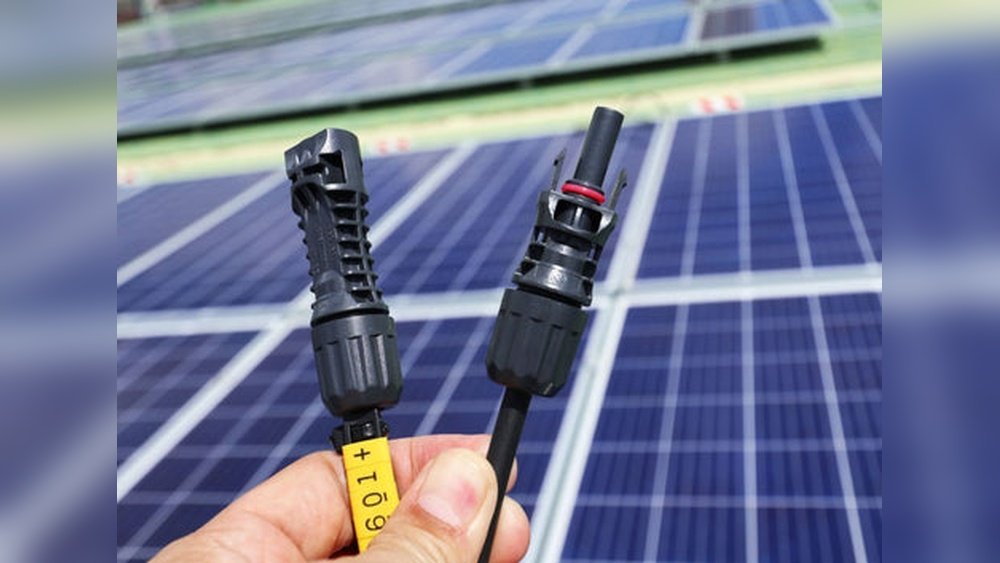
Step 5: Check System Connections
Loose cables or corroded connectors cause trouble. Carefully inspect connections (with power off). Look for signs of wear, rust, or frayed wires.
Step 6: Review Your Bill
Sometimes, your bill tells the story. If your bill drops sharply after installation, great. If it creeps up again, your panels may need service.
Credit: blueravensolar.com
Data Table: Expected Solar Panel Output
Here’s a quick guide to what you should expect from a typical home system:
| System Size (kW) | Expected Daily Output (kWh) | Sunny Day Output | Cloudy Day Output |
|---|---|---|---|
| 3 kW | 12 – 15 | 15 | 5 |
| 5 kW | 20 – 25 | 25 | 8 |
| 7 kW | 28 – 35 | 35 | 12 |
Compare these numbers to your inverter or monitoring app. If your output is far below these, it’s time to check your system.
Quick Troubleshooting Guide
Let’s say you notice a problem. Here’s what to do next:
- Check the inverter for error codes
- Restart the inverter (follow instructions—usually turn off, wait, turn on)
- Inspect panels for dirt, shade, or damage
- Check system connections
- Contact your installer if you see error codes or no improvement
Most issues are simple. Sometimes, just cleaning panels or resetting the inverter fixes things.
Data Table: Common Solar Panel Problems And Solutions
Here’s a handy guide to typical issues and what you can do:
| Problem | Possible Cause | Solution |
|---|---|---|
| Zero output | Faulty inverter, broken panel | Check inverter, call installer |
| Low output | Dirt, shade, loose cable | Clean panels, check for shade |
| Error code on inverter | Internal fault | Restart inverter, contact support |
| No data on app | Internet issue, faulty monitor | Check Wi-Fi, restart monitor |
How Weather And Season Affect Your Panel Performance
Solar panels work best when the sun is strong. Cloudy days, rain, and winter lower output. But even on cloudy days, panels still produce some power.
What to expect:
- Summer: Highest output
- Winter: Lower output
- Cloudy days: About 10-30% of sunny day output
If your output drops in winter, that’s normal. But if it drops sharply in summer, check for problems.
Understanding Your Solar Monitoring App
Most solar systems come with a monitoring app. It’s a great tool for tracking performance. Here’s how to use it:
- Daily production: Shows kWh produced each day
- Peak times: Shows when your panels produce the most
- Alerts: Warns of faults or low output
Non-obvious tip: Set up email or SMS alerts. Some apps let you know if production drops or there’s a fault. This saves time and prevents bigger issues.
Data Table: Solar Panel App Features Comparison
If you’re shopping for a monitoring system, here’s what to look for:
| Feature | Basic App | Advanced App |
|---|---|---|
| Real-time output | Yes | Yes |
| Alerts | No | Yes |
| Historical data | Limited | Full history |
| Remote troubleshooting | No | Yes |
| Mobile access | Yes | Yes |
Pick a system with alerts and full history if you want peace of mind.
Credit: solargippslandvic.com
How To Keep Your Solar Panels Working Well
Just checking isn’t enough. Keep your panels working their best with these tips:
- Clean panels regularly: Every 3–6 months, or after heavy dust/rain.
- Check for shade: Trees grow—what was sunny last year may be shaded now.
- Inspect for damage: Look for cracks, loose cables, or corrosion.
- Monitor output: Use your app or inverter weekly.
- Schedule yearly professional maintenance: Experts spot issues you might miss.
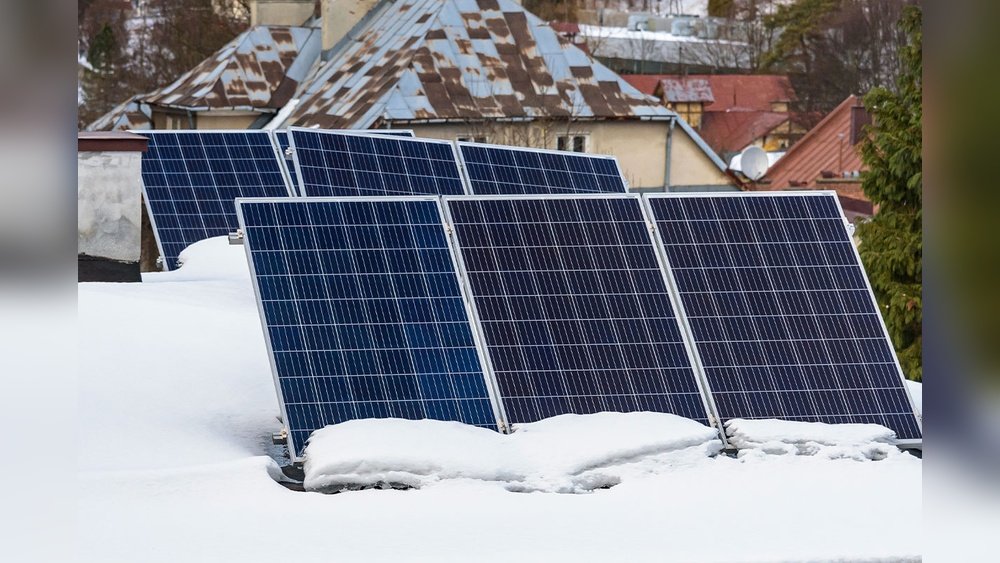
Non-obvious insight: After storms or heavy snow, panels can shift or get covered. A quick inspection can prevent bigger repairs.
When To Call A Professional
Some issues need expert help. Call a professional if:
- Inverter shows repeated error codes
- Panels are cracked or broken
- Output drops for no clear reason
- You see sparks, burning smell, or melted cables
Don’t risk your safety. Professionals have the tools and know-how to fix complex problems.
What If Only Some Panels Are Not Working?
Sometimes, only one or two panels fail. This can be tricky to spot without monitoring. Signs include:
- Lower than expected output
- Inverter shows “string error”
- Monitoring app shows one panel with zero output
Ask your installer if you have “panel-level monitoring. ” If not, a professional can check each panel.
How Long Should Solar Panels Last?
Most solar panels last 20–25 years. Inverters usually last 10–15 years. If your panels are older, lower output is normal. But sudden drops mean something else is wrong.
Stat: Most panels lose about 0.5% efficiency per year. After 20 years, they may produce 90% of their original power.
Real-life Example: Diagnosing A Solar Panel Problem
Let’s say your bill jumps up. You check your inverter—red light, zero output. You try restarting, but nothing changes. You inspect panels—one is cracked. You call your installer, who replaces the panel. Output goes back to normal.
Lesson: Small problems can cause big drops in power. Regular checks and fast action save money.
Solar Panel Troubleshooting Checklist
Here’s a simple checklist to follow:
- [ ] Check inverter for green light/output
- [ ] Inspect panels for dirt, shade, or damage
- [ ] Review monitoring app for production and alerts
- [ ] Compare current output to past weeks/months
- [ ] Clean panels if dirty
- [ ] Restart inverter if needed
- [ ] Check cables and connections
- [ ] Call professional if problem persists
Following this list keeps your system healthy.
Upgrading Your Monitoring System
If your system doesn’t have good monitoring, consider upgrading. Newer systems offer panel-level data, alerts, and remote troubleshooting. This makes it easier to spot problems early.
Non-obvious insight: Some upgrades are simple plug-and-play modules. Ask your installer about options.
What If You’re Off-grid?
Off-grid systems work differently. Instead of the grid, you use batteries to store power. Signs your panels are working:
- Battery charges during the day
- Inverter shows power output
- Lights and appliances run smoothly
If batteries don’t charge or output drops, check panels, inverter, and batteries.

Credit: www.reddit.com
External Resource For Deeper Learning
If you want more technical details, the US Department of Energy offers guides and troubleshooting tips. Visit US Department of Energy for trusted info.
Frequently Asked Questions
How Often Should I Check My Solar Panels?
Check at least once a month. Also, after storms or big weather changes. Regular checks help you catch problems early.
Can Dirty Panels Really Lower Output?
Yes. Even a small layer of dust or leaves can cut power by 10–25%. Clean panels make a big difference.
What Does A Red Light On The Inverter Mean?
A red or orange light usually means a fault. Check the display for error codes, restart the inverter, and call a professional if needed.
How Do I Know If My Panels Are Producing Enough Power?
Compare your inverter or app data to expected output for your system size. If numbers are much lower, check for dirt, shade, or faults.
Is It Safe To Check Wiring Myself?
Only if you turn off power and know basic safety. For most people, it’s better to call a professional. Loose wires can be dangerous.
—
Solar panels are a smart investment, but they need a little care. By checking your system, cleaning panels, and watching your output, you make sure your panels work their best. Don’t let small issues grow into big problems. With these simple steps, you’ll know for sure if your solar panels are working—and keep saving money and energy for years to come.