
Ever walked outside and noticed your solar panels aren’t working like they used to? Maybe your inverter is blinking, you see low power output, or your electricity bill is climbing again. You try to Google, but the advice feels confusing—like you need to be an engineer just to reset your system.
If you’re frustrated, you’re not alone. Many people think solar panels are “set and forget,” but sometimes things go wrong. And when they do, most owners don’t know where to start. Let’s clear things up and make solar panel resets simple, safe, and stress-free.
Short Answer: How To Reset Solar Panels
Resetting your solar panels is mostly about resetting the solar inverter—the device that manages power. Most problems aren’t with the panels themselves, but with the inverter, wiring, or monitoring system. Here’s the quick solution:
- Turn off the AC breaker for your solar inverter.
- Turn off the DC isolator (usually near the inverter).
- Wait 1–2 minutes.
- Turn the DC isolator back on.
- Turn the AC breaker back on.
- Check your inverter display for normal operation.
This “shutdown and restart” fixes most minor issues, like software glitches, error codes, or low output. If your system still isn’t working, check for error messages, loose cables, or contact a professional.
Now, let’s dig deeper. You’ll learn why resets matter, how to do them safely, and what to do if things don’t improve.
Why Solar Panels Need Resets
Most people think solar panels are just glass on your roof, quietly making power forever. But the truth is, your solar system is a combination of panels, an inverter, cables, and sometimes batteries. Problems can happen for many reasons:
- Power surge from storms or grid changes
- Software error in the inverter
- Loose cable or connector
- Sensor fault
- Dirty panels causing low output
When any part of the system fails or acts strangely, resetting the inverter can clear most software glitches and force the system to recheck everything.
Common Signs You Need To Reset
- Inverter error codes (like “fault,” “grid error,” “no AC”)
- Low or zero power output
- Strange noises from the inverter
- Solar monitoring app shows “offline”
- Lights flicker or appliances don’t work right
If you see any of these, a reset is often your first step.
Safety First: What You Must Know
Before touching anything, remember: solar systems handle high voltage. Safety is critical.
- Always turn off power before touching the inverter or isolators.
- Never touch bare wires or connectors.
- If you’re unsure, contact a licensed electrician.
Solar panels generate power even when the sun is out, so DC isolators are important for safety. Some panels also have rapid shutdown devices for emergencies. If you don’t know where yours are, check your installation manual or ask your installer.
Step-by-step Guide: Resetting Your Solar Panels
Let’s break it down with simple steps, so you don’t miss anything.
1. Inspect The System
Before resetting, do a quick check:
- Look at the inverter display for error codes.
- Check panels for visible dirt, damage, or shading.
- Look for loose cables or broken connectors.
If you see physical damage, call a professional. If everything looks normal, move to the reset.
2. Shut Down The System
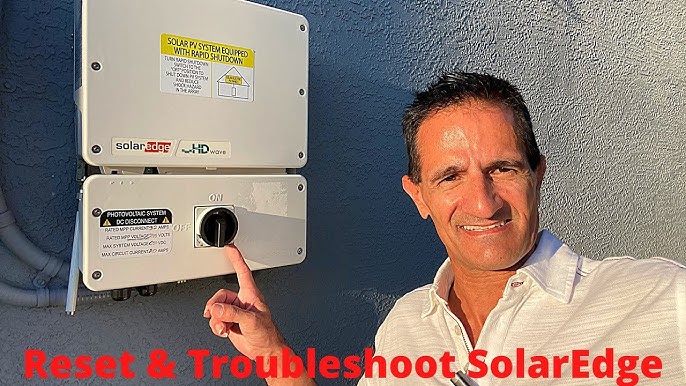
Find your inverter. Most are mounted near your meter box, garage, or outside wall.
- Turn off the AC breaker (usually labeled “solar” or “inverter”).
- Turn off the DC isolator (a switch near the inverter or on the panel array).
This stops all power flowing to and from the inverter.
3. Wait For 1–2 Minutes
Waiting gives the inverter time to fully shut down. Most manufacturers recommend at least one minute. This clears memory and resets software.
4. Power Up Again
- Turn on the DC isolator first.
- Turn on the AC breaker next.
The inverter should restart. It may take a few minutes to reconnect and show normal operation.
5. Check The Inverter Display
Look for:
- Green lights or “normal” status
- Power output numbers (should match your usual daytime output)
- No error codes
If you see errors, write them down. Some inverters have QR codes or screens with help guides.
6. Monitor The System
Watch for 10–15 minutes. If your app or monitoring device shows normal power, you’re done. If not, try advanced troubleshooting or call an expert.
What If Reset Doesn’t Fix The Problem?
Sometimes, a reset isn’t enough. Here’s what you can try next:
Advanced Troubleshooting Steps
- Check your solar monitoring app for details.
- Inspect all cables and connectors for wear.
- Clean panels if dirty (use water and soft cloth—never harsh chemicals).
- Check for shading from trees, leaves, or new buildings.
- Review inverter manual for specific error codes.
When To Call A Professional
- Smell burning or see sparks
- Hear loud buzzing from the inverter
- Find broken panels or loose wires
- Can’t clear persistent error codes
Professional help is needed for electrical faults, complex software errors, or warranty repairs.
Different Types Of Solar Systems And Resets
Not all solar setups are the same. Let’s compare how resets work for different systems.
| System Type | Reset Method | Common Issues |
|---|---|---|
| Grid-Tied | AC/DC isolator reset | Grid errors, inverter faults |
| Off-Grid | Battery disconnect, inverter reset | Battery faults, low power, overload |
| Hybrid | Follow inverter/battery manual | Software glitches, battery issues |
Most homes use grid-tied systems. Off-grid and hybrid setups may need extra steps, like battery resets or checking generator connections.
Credit: www.youtube.com
Inverter Brands And Reset Differences
Inverters come in many brands—each with its own reset style. Let’s look at three popular brands:
| Brand | Reset Steps | Special Notes |
|---|---|---|
| Fronius | AC/DC shutdown, wait, restart | Shows clear error codes, easy for beginners |
| SMA | AC/DC shutdown, wait, restart | May need manual reset for older models |
| Enphase | Microinverter reset via app or breaker | App-based monitoring, rarely needs reset |
Tip: Always check your inverter manual for exact steps. Some brands have hidden buttons or special sequences.
Common Mistakes To Avoid
Resetting solar panels seems simple, but many owners make mistakes. Avoid these problems:
- Not waiting long enough: Inverter memory needs time to clear.
- Turning on AC before DC: Can cause faults.
- Ignoring error codes: Write them down before reset.
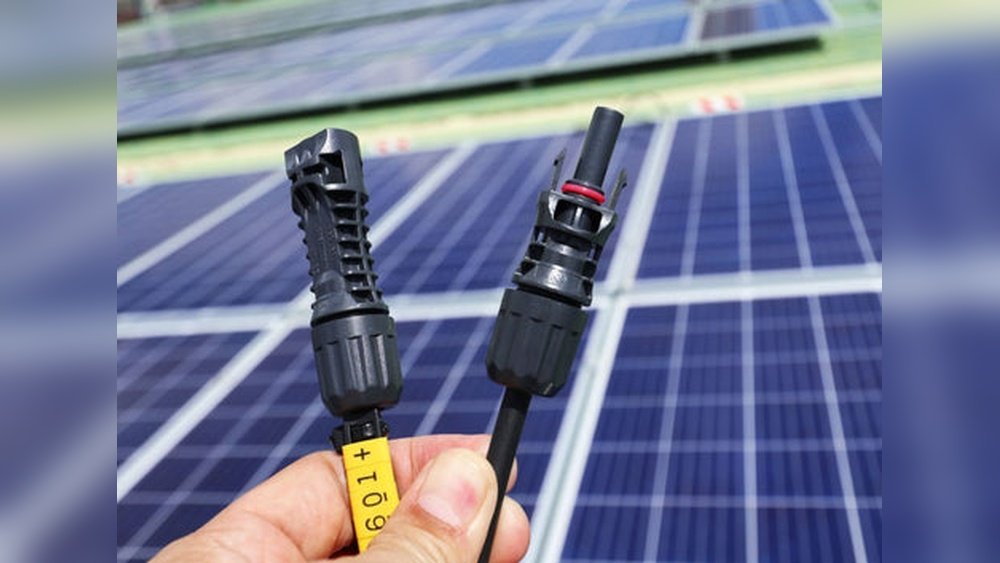
- Touching wires: Only handle switches, never bare cables.
- Forgetting safety gear: Use gloves and eye protection.
If you’re unsure, ask a professional or check your manual.
How Often Should You Reset Solar Panels?
Most people only reset when problems happen. But there are times when proactive resets help:
- After a major storm
- If you see low power output
- When adding new panels or batteries
- After software updates
Do not reset regularly unless your installer recommends it. Too many resets can cause wear on your inverter.
Real-life Example: Solar Reset Success
Maria, a homeowner in Texas, noticed her solar app showed “offline” one morning. Her inverter flashed a red light. She did a quick inspection—no visible damage, just dust on the panels. Following the reset steps, she:
- Turned off AC and DC isolators.
- Waited two minutes.
- Turned everything back on.
The inverter showed green lights and normal output. Maria cleaned her panels later, but the reset fixed her problem. This simple process saved her a costly technician call.
Data: Solar Reset Effectiveness
Studies show that over 60% of inverter faults are fixed by a simple reset. Most errors are software glitches, not hardware failures.
| Issue Type | Fixed by Reset (%) | Needs Professional (%) |
|---|---|---|
| Software error | 80 | 20 |
| Wiring issue | 10 | 90 |
| Panel damage | 0 | 100 |
| Monitoring error | 75 | 25 |
If your inverter is showing software or monitoring errors, a reset is likely to help. Hardware problems need expert repair.
Practical Tips For Solar Panel Owners
Resetting your solar panels isn’t just about fixing errors. Here are some tips to keep your system healthy:
- Clean panels twice a year: Dust and dirt reduce power.
- Check cables and isolators: Look for wear, corrosion, or loose parts.
- Monitor output: Use your app or inverter display.
- Know your system: Keep manuals and warranty info handy.
- Label switches: Make sure you know which switch is AC and which is DC.
These habits prevent many common problems and make resets easier.
Non-obvious Insights Most Beginners Miss
- Panel resets rarely fix hardware problems: If your panel is broken, dirty, or shaded, a reset won’t help. Always check for physical issues first.
- Microinverters work differently: Systems with microinverters (one per panel) often reset automatically. You may need to use an app, not a physical switch.
When You Should Not Reset
Resetting is safe most times, but avoid it if:
- You smell burning or see smoke
- The system was flooded or hit by lightning
- Wires or connectors are exposed
- Panels are cracked or broken
In these cases, shut down the system and call a professional.
How Resets Affect Warranties
Some people worry that resetting their solar system may void the warranty. The good news: most manufacturers allow resets as part of troubleshooting. Just avoid opening the inverter case or touching internal parts. If you’re unsure, check your warranty booklet or call your installer.
What About Solar Battery Systems?
If you have batteries (like Tesla Powerwall or LG Chem), follow the battery manual for resets. Often, you’ll need to shut down both the inverter and battery, then restart in sequence.
Tip: Batteries can be sensitive. If you notice low output or charging problems, check battery status before resetting.
How To Reset Microinverter Systems
Microinverters are small inverters attached to each panel. They are popular in the US and often used by Enphase.
To reset:
- Use your monitoring app (like Enphase Enlighten).
- Or, turn off/on the AC breaker to the system.
Microinverters rarely fail all at once. If one panel shows low output, check that panel and microinverter.
Solar Monitoring Apps And Resets
Many systems have apps that show power, errors, and history. Some apps let you reset the inverter remotely.
- Fronius Solar.web
- SMA Sunny Portal
- Enphase Enlighten
- SolarEdge Monitoring
If your app shows “offline” or “error,” try a physical reset first. If problems continue, check for app updates or contact support.
How To Prepare For A Reset
Before starting, have these ready:
- Flashlight (if switches are in dark areas)
- Manuals (for inverter, panels, batteries)
- Safety gloves
- Phone or camera (to record error codes)
Being prepared makes the reset process smoother and safer.
Credit: formesolar.com
Frequently Asked Questions
What Is The Difference Between Resetting Panels And Resetting The Inverter?
Resetting panels usually means cleaning or checking for physical problems. Resetting the inverter is shutting down and restarting the device that manages power. Most resets are about the inverter, not the panels.
How Do I Know If My Reset Worked?
Check your inverter display or monitoring app. If power output is normal and there are no error codes, your reset was successful. If errors continue, try troubleshooting or call a professional.
Can I Reset My Solar Panels During The Day?
Yes. Solar panels produce power when the sun is out, but resets are safe if you use DC isolators. Always follow proper shutdown steps and wear safety gear.
Will Resetting Fix Low Power Output?
Sometimes. If the issue is a software glitch or monitoring error, a reset can help. If panels are dirty, shaded, or damaged, cleaning or repair is needed.
Where Can I Find More Help On Solar Panel Resets?
Visit U.S. Department of Energy for guides and troubleshooting tips.
Final Thoughts
Resetting your solar panels isn’t hard, but it’s important to stay safe and follow the right steps. Most issues are about the inverter or monitoring system, not the panels themselves. A simple reset clears many common faults and gets your system back to normal. Remember to check for physical problems first, follow shutdown steps, and monitor your output after restarting. If you see persistent errors or physical damage, don’t risk it—call a professional.
Solar power should be stress-free. With these clear steps, you’ll feel confident handling resets and keeping your energy flowing.
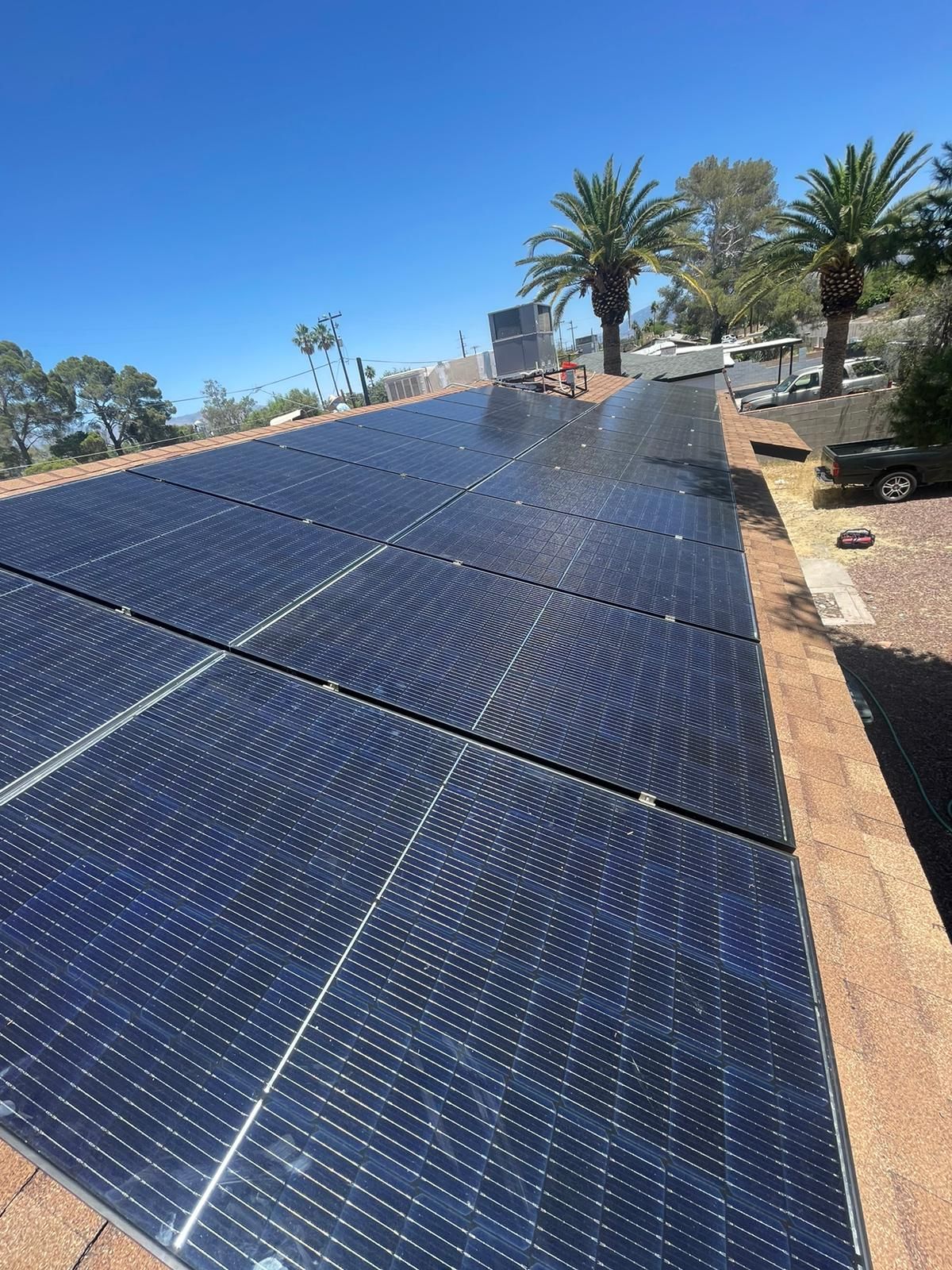
Credit: www.reimagineroofing.com